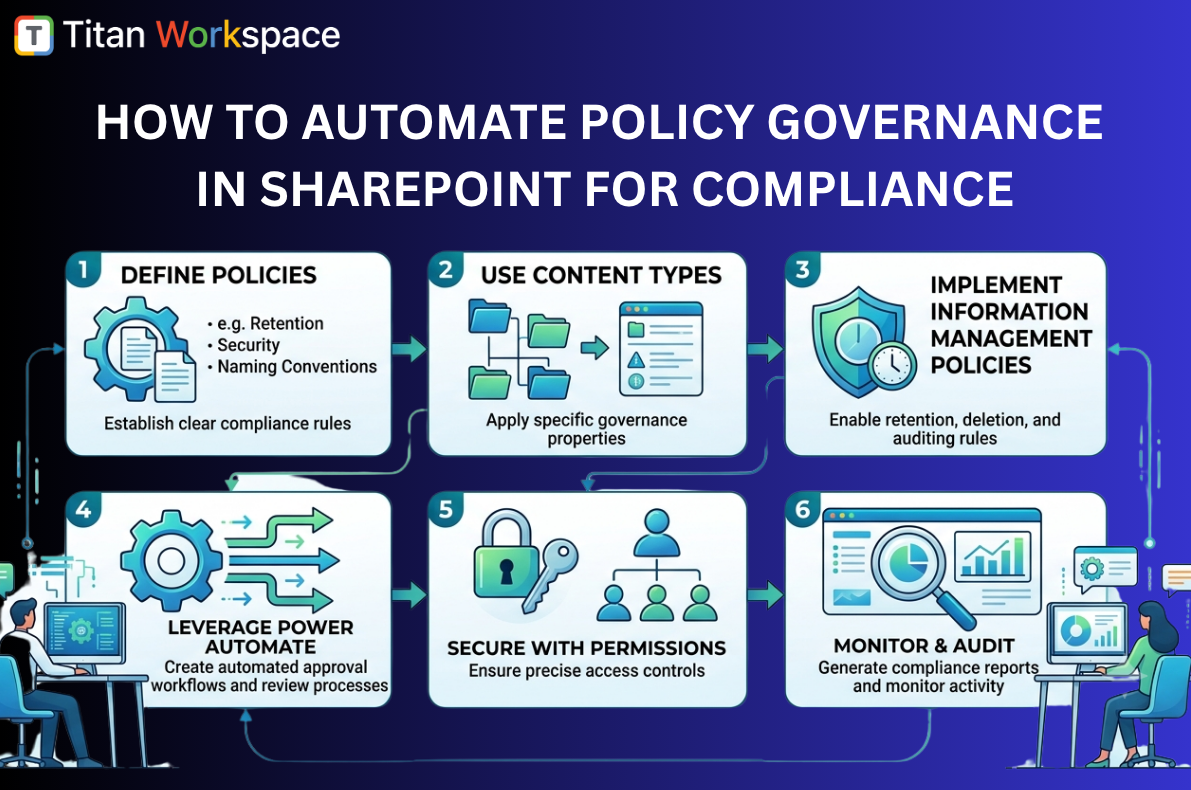
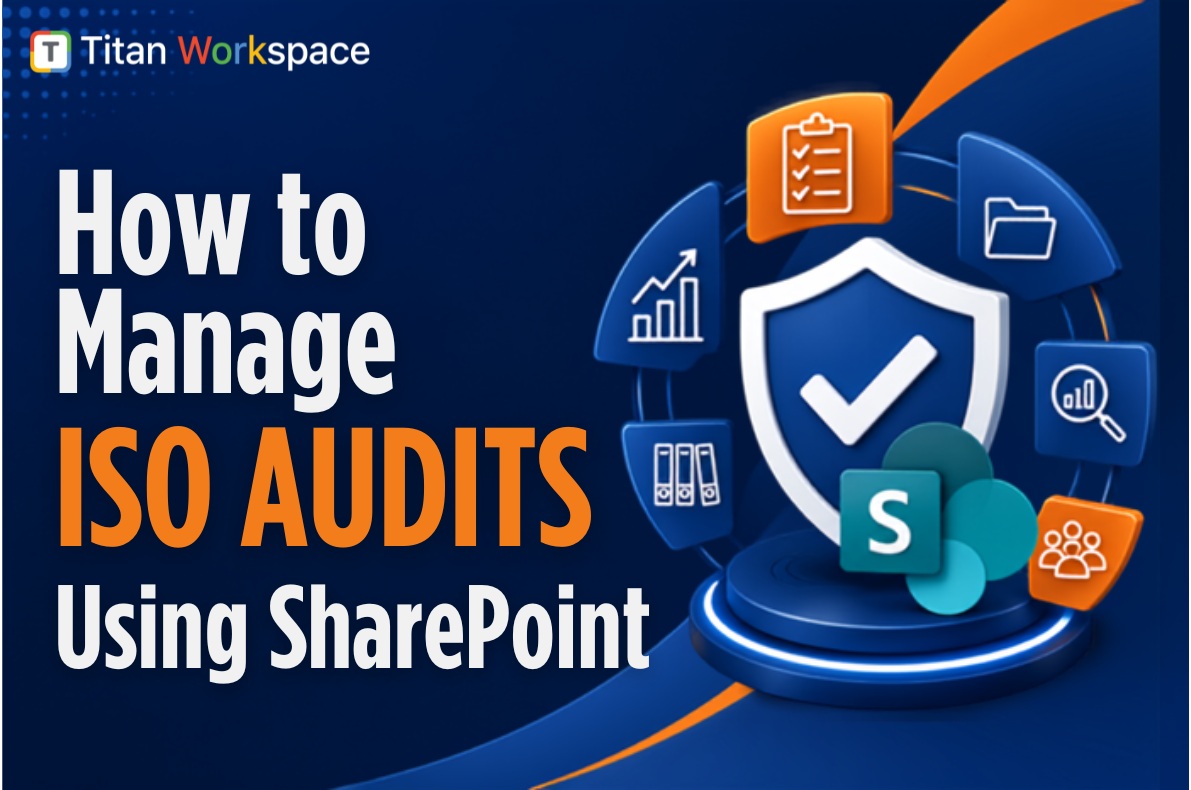
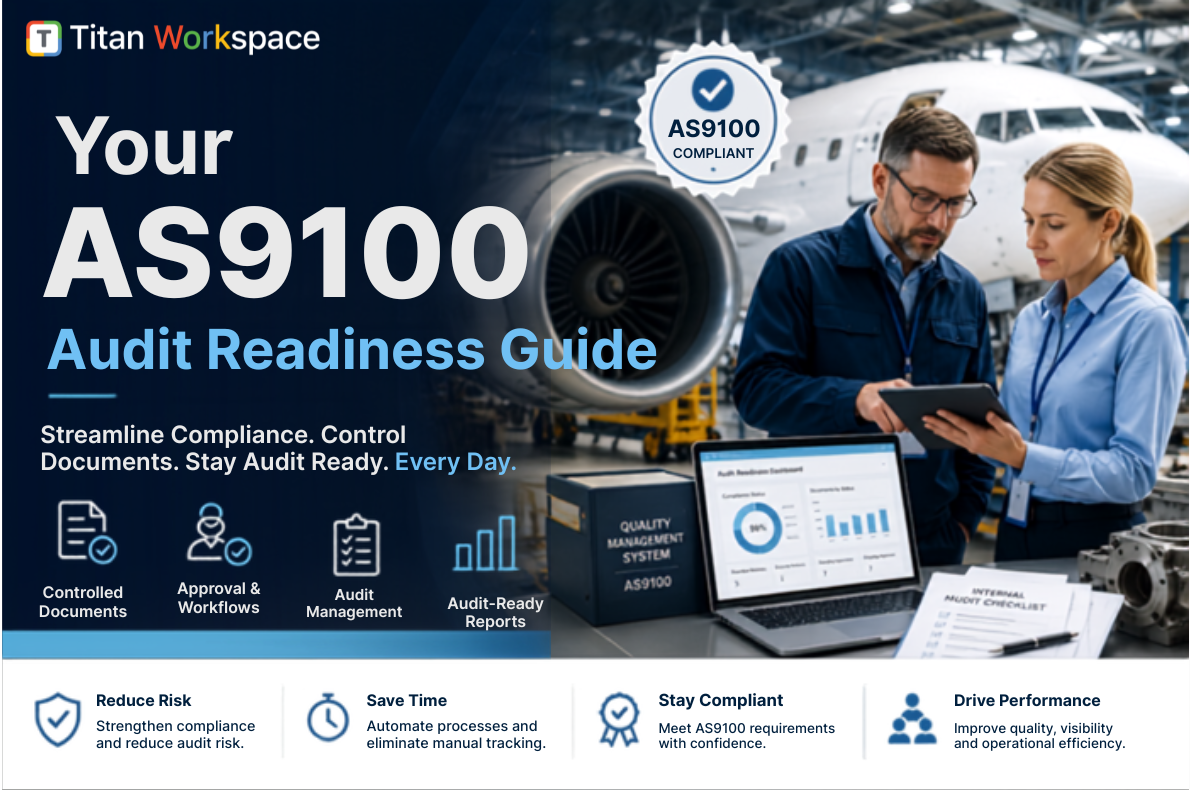
Organizations today face a complex regulatory landscape: ISO 9001 audits in manufacturing, OSHA inspections in workplace safety, HIPAA compliance in healthcare, and even ATF Form 4473 record-keeping in firearms businesses. Each of these audits requires accurate policies, structured records, and audit-ready evidence.
Microsoft 365 and SharePoint provide a strong foundation for compliance management. However, while SharePoint has powerful out-of-the-box features, it was never designed to handle end-to-end policy compliance, employee acknowledgements, or audit-ready reporting.
That’s where Titan Workspace extends SharePoint into a complete compliance and audit management solution.
SharePoint and Microsoft 365: Policy Compliance Features Out of the Box
SharePoint and Microsoft 365 already provide several compliance-friendly features:
- Centralized Document Repository – Store ISO manuals, OSHA safety policies, HIPAA forms, or ATF compliance records in structured libraries.
- Version Control – Maintain document history for policies and SOPs to prove compliance during audits.
- Microsoft Purview & Compliance Center – Apply retention labels and records management rules aligned with ISO or ATF retention requirements.
- Access Control & Permissions – Restrict HIPAA-sensitive files or ATF records to only authorized staff.
- Audit Logs & Monitoring – Track document access and changes for compliance reporting.
- Data Security & Encryption – Ensure compliance evidence is secured with Microsoft’s enterprise-grade encryption.
These features make SharePoint a strong starting point for compliance management.
Is SharePoint Enough for Compliance and Audit Management?
Yes and no. SharePoint has all the ingredients but lacks the ready-made workflows that compliance managers need:
- Native to Microsoft 365 – Already part of most organizations’ infrastructure.
- Scalable and Integrated – Works with Teams, Outlook, and Power Automate.
- Trusted Security Model – Microsoft 365 carries certifications like ISO 27001, SOC, HIPAA, and FedRAMP.
But when it comes to policy acknowledgements, e-signatures, audit-ready evidence, and compliance dashboards, SharePoint needs heavy customization—driving up cost, IT overhead, and risk of project delays.
Real-World Constraints of SharePoint in Policy Compliance
- Policy Acknowledgements – No native way to ensure employees have read or signed off on policies (a must for ISO and OSHA audits).
- Approval Workflows – Out-of-box workflows are too simple for multi-step compliance approvals.
- E-Signatures – Not supported natively; requires third-party tools or SharePoint Premium subscriptions.
- Audit Trails – Logs exist but are raw and not presented in audit-friendly formats.
- Evidence Preparation – Compliance officers often waste weeks preparing evidence from scattered SharePoint libraries.
- High Customization Costs – Achieving compliance workflows requires developers, consultants, and ongoing IT support.
Titan Workspace: Extending SharePoint for Policy Compliance
Titan Workspace turns SharePoint into a ready-made compliance management system:
- Policy Publishing & Acknowledgements – Track who has read and accepted ISO, OSHA, HIPAA, or ATF policies.
- Audit-Ready Evidence – Generate instant reports showing compliance activities.
- Controlled Document Versioning – Enforce structured version control aligned with auditor expectations.
- E-Signatures – Capture digital sign-offs directly in SharePoint.
- Secure External Portals – Share policies with regulators or auditors securely.
- No-Code Automation – Build compliance workflows without developers or Power Apps.
- Risk & Fraud Reduction – Replace manual, paper-based policy sign-offs with secure, trackable workflows.
Compliance and Audit Readiness: SharePoint vs. Titan Workspace
| Audit / Compliance Type | SharePoint Limitation | Titan Workspace Advantage |
|---|---|---|
| ISO 9001 / ISO 27001 | No structured employee policy acknowledgement tracking. | Automated policy distribution with acknowledgement reports for ISO auditors. |
| OSHA (Workplace Safety) | Lacks templates for safety incident forms and corrective actions. | Digital e-forms & workflows for OSHA reporting, stored in Microsoft 365. |
| HIPAA (Healthcare) | No built-in e-signatures for compliance acknowledgements. | Integrated e-signatures with audit trails for healthcare staff compliance. |
| ATF (Form 4473 & Records) | Raw version logs, not auditor-ready. | Controlled document versioning & audit-ready reports for ATF inspections. |
| General Regulatory Audits | High IT cost for customization and reporting. | Prebuilt compliance dashboards and evidence logs without customization. |
Frequently Asked Questions (FAQ)
Q1: Can SharePoint be used for ISO compliance audits?
Yes, SharePoint can store ISO manuals and procedures, but it lacks acknowledgement tracking and structured reporting. Titan Workspace closes this gap with audit-ready dashboards.
Q2: How does SharePoint handle OSHA compliance records?
SharePoint can store OSHA safety documents, but incident reporting and corrective actions usually require customization. Titan Workspace provides ready-to-use digital workflows.
Q3: Is SharePoint HIPAA compliant?
Microsoft 365 is HIPAA compliant at the infrastructure level, but SharePoint does not offer e-signature or acknowledgement tracking. Titan Workspace enables secure sign-offs and policy confirmations.
Q4: What is the best way to manage ATF Form 4473 in SharePoint?
Out-of-box SharePoint is not audit-ready for ATF requirements. Titan Workspace enforces version control and provides structured evidence reports.
Q5: Why is Titan Workspace better than customizing SharePoint?
Custom projects are expensive, time-consuming, and risky. Titan Workspace delivers predictable ROI with ready-made compliance tools built inside your Microsoft 365 tenant.
Conclusion
For organizations facing ISO audits, OSHA inspections, HIPAA compliance reviews, or ATF regulatory checks, SharePoint provides the foundation but not the finish line.
Titan Workspace extends Microsoft 365 into a compliance powerhouse—providing policy acknowledgements, e-signatures, audit-ready reports, and secure external portals.
If your compliance officers spend weeks preparing for audits, Titan Workspace ensures you are audit-ready every day, not just during audit season.