If you’re searching for SharePoint Indexing, you’re probably facing one of these problems:
- SharePoint search doesn’t find files you know exist
- Users say “SharePoint search is broken”
- Audits or inspections take too long because documents aren’t discoverable
- Large document libraries are slow or unusable
The issue is almost never SharePoint itself.
It’s how files are indexed, structured, and published.
This guide explains how SharePoint indexing actually works, common mistakes, and proven fixes—based on real-world usage in Manufacturing, Aerospace, Police, and Fire Departments.
What Is SharePoint Indexing
In Microsoft SharePoint, indexing means:
SharePoint reads your files, metadata, and permissions, then stores them in a search index so users can quickly find what they’re allowed to see.
SharePoint indexes:
- File content (Word, PDF, Excel, text-based files)
- Metadata (columns like Department, Case ID, SOP Type)
- Security permissions (search is security-trimmed)
- File status (draft, approved, published)
Important clarification (often misunderstood)
Indexing is automatic, but effective search is not.
Bad structure = bad search results.
Why SharePoint Search “Doesn’t Work”
These are the most common causes seen across organizations:
- Files stored deep inside folders
- No metadata or inconsistent metadata
- Files left checked out or in draft state
- Large libraries without indexed columns
- Libraries excluded from search
- Expecting Google-like search without governance
SharePoint search works exactly as designed—but only when the content is designed correctly.
How SharePoint Indexing Actually Works (Step-by-Step)
1. Files Are Crawled
When a file is uploaded or updated, SharePoint:
- Reads the content
- Reads metadata
- Applies security permissions
This does not happen instantly in large environments.
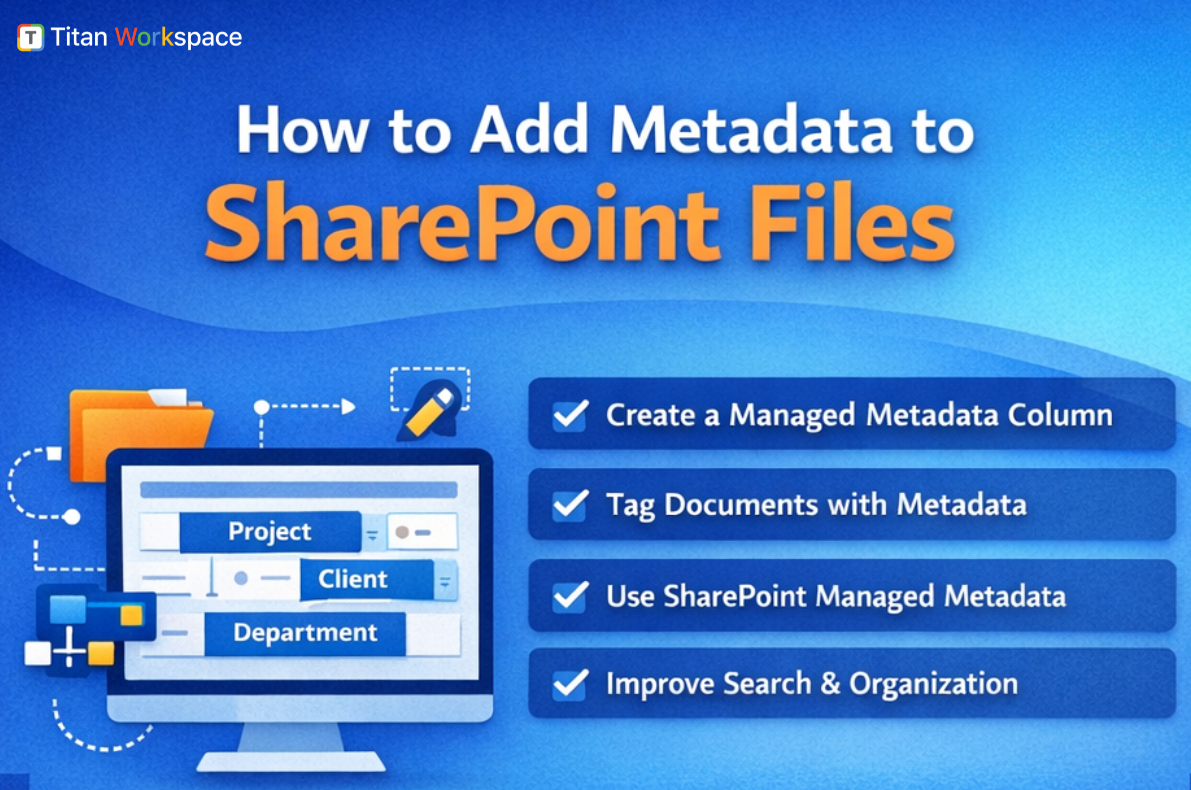
2. Metadata Is More Important Than File Names
SharePoint search heavily favors metadata.
A file named:
Final_v3_updated_latest.docx
Is nearly useless compared to:
- Document Type = SOP
- Department = Manufacturing
- Status = Approved
- Year = 2025
Metadata is indexed, searchable, and filterable.
3. Indexed Columns Control Performance
SharePoint has a 5,000-item view threshold, not a storage limit.
Indexed columns:
- Improve search performance
- Prevent view failures
- Enable fast filtering in large libraries
Without indexed columns, SharePoint search feels slow and unreliable.
4. Draft vs Published Files Matter
Files that are:
- Checked out
- Pending approval
- Saved as drafts
May not appear in search for most users.
This is one of the most common “SharePoint search is broken” complaints.
5. Permissions Affect Search Visibility
SharePoint uses security trimming:
- Users only see what they have access to
- Search results differ per user
This is critical for police, fire, and defense use cases.

Industry Use Cases Where SharePoint Indexing Is Critical
Manufacturing
Problem: SOPs and quality documents are hard to find during audits
Solution: Index by plant, process, compliance standard, approval status
Aerospace & Defense
Problem: Maintenance logs and drawings spread across libraries
Solution: Index by aircraft ID, program, certification status
Police Departments
Problem: Case files and evidence retrieval is slow
Solution: Index by case number, crime type, officer ID
Fire Departments
Problem: Emergency SOPs and inspection records not accessible fast enough
Solution: Index by station, building type, inspection date
Many people believe that SharePoint search is unreliable, but in reality it’s usually the way SharePoint is structured that causes poor results. Relying heavily on folders—even if they are carefully named—often makes search worse, while metadata consistently delivers faster and more accurate results. Another common misconception is that creating more document libraries leads to better organization; in practice, consistency in structure and metadata across fewer libraries works far better. Finally, search problems are often blamed on Microsoft or assumed to require support tickets, when in fact nearly 90% of SharePoint search issues stem from design and governance choices, not platform limitations.
Best Practices That Actually Fix SharePoint Search
- Use metadata-first design
- Limit folder depth (or avoid folders entirely)
- Use indexed columns
- Enforce content types
- Enable document approval
- Train users on check-in/check-out
- Standardize library structure
These changes dramatically improve search without extra licensing.
FAQs
1. How long does SharePoint take to index files?
Usually minutes to a few hours. Large libraries or major metadata changes take longer.
2. Why can’t users find files that exist in SharePoint?
Most often due to missing metadata, draft status, permissions, or non-indexed columns.
3. Does SharePoint index PDFs and scanned documents?
PDFs with searchable text are indexed. Scanned images require OCR to be searchable.
4. Is SharePoint search secure for law enforcement?
Yes. Search results are security-trimmed and respect user permissions.
5. What’s better for SharePoint indexing: folders or metadata?
Metadata—by a large margin.
6. Can SharePoint handle indexing for very large libraries?
Yes, when indexed columns and proper architecture are used.
SharePoint indexing works best when documents use metadata, indexed columns, published versions, and consistent structure. Most SharePoint search issues are caused by design and governance not technology limitations.
To know more about SharePoint Indexing and SharePoint Workflow Automation : Titan Workspace