If you’re researching SharePoint Online (in Microsoft 365) versus SharePoint Embedded, you’re likely trying to answer one practical question:
Do I need a full SharePoint collaboration/intranet platform, or do I need SharePoint’s file capabilities inside my own application experience?
They are related but built for different outcomes.
Quick definition
SharePoint Online (Microsoft 365)
SharePoint Online is the full, user-facing collaboration platform in Microsoft 365: sites, pages, lists, libraries, permissions, sharing, search, and integrations (Teams, OneDrive, Power Platform, etc.). It’s what most people mean when they say “SharePoint.”
SharePoint Embedded
SharePoint Embedded is an API-only way to use Microsoft 365’s file/document capabilities inside any app (your own UX), using Microsoft Graph. Content lives in the customer’s Microsoft 365 tenant but is stored in containers created and controlled by the application, not in normal SharePoint sites/libraries users browse in the SharePoint UI.
The #1 difference: UI-first vs API-first
SharePoint Online = UI-first platform
- Users work directly in SharePoint sites and document libraries.
- You get ready-made UI for navigation, pages, lists, libraries, sharing, and collaboration.
- IT manages it through the SharePoint admin center and standard governance patterns.
SharePoint Embedded = API-first (headless) storage + document services
- There’s no default SharePoint site UI for users to browse.
- Your app provides the UI; SharePoint Embedded provides the file/document back end through Graph.
- Storage is organized in a “File Storage Container” (often described as similar to an API-only document library).
If you want SharePoint to be the product experience, use SharePoint Online.
If you want SharePoint to be the content engine inside your product, use SharePoint Embedded.
Architecture: Sites & libraries vs Containers
SharePoint Online architecture
- Sites (Team sites, Communication sites, Hub sites)
- Document libraries (drives)
- Lists, pages, web parts, navigation, etc.
- Strong “information architecture” patterns for intranet + collaboration.
SharePoint Embedded architecture
- Container Types and Containers (fileStorageContainer)
- Access via Microsoft Graph APIs for files and operations
- Built for ISVs and line-of-business (LOB) apps that need document capabilities without forcing users into SharePoint UI.
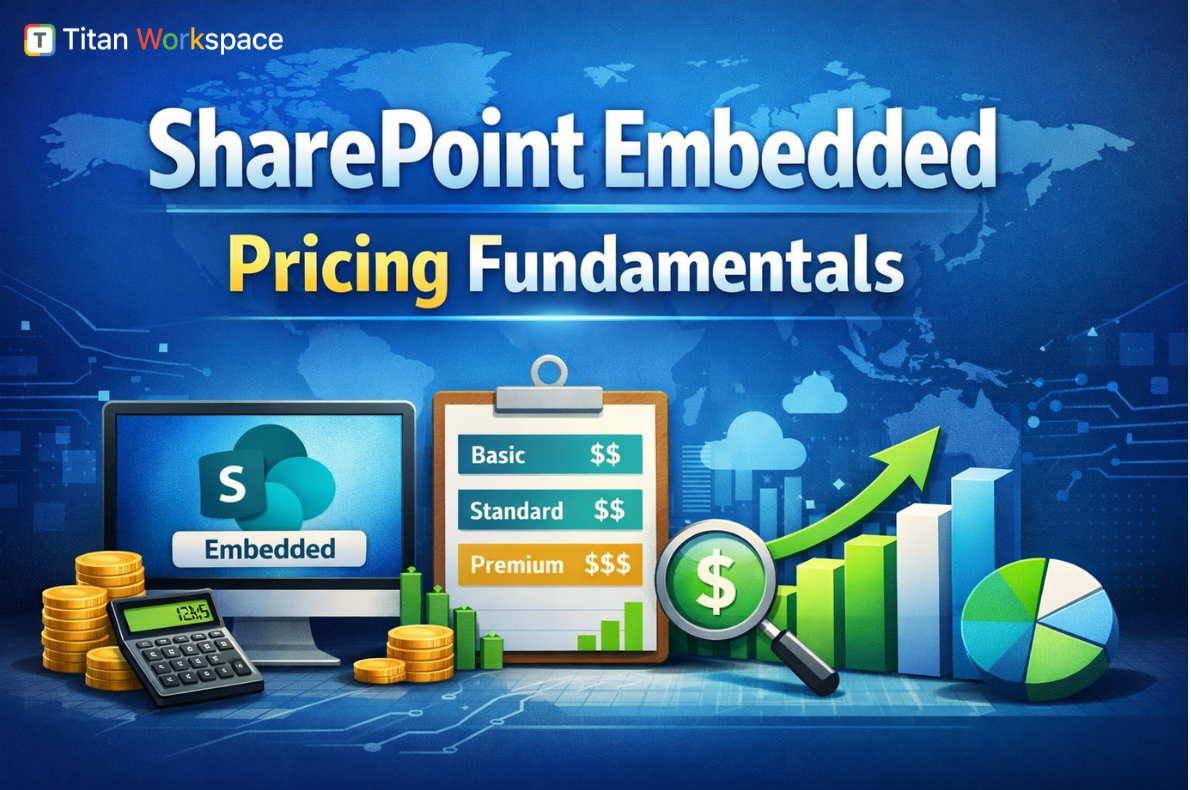
Licensing & cost model: per-user licensing vs pay-as-you-go (PAYG)
This is often the deciding factor.
SharePoint Online licensing (typical)
SharePoint Online is generally consumed as part of Microsoft 365 licensing (per user). Your storage is tied to tenant entitlements and licensing structure.
SharePoint Embedded licensing
SharePoint Embedded is explicitly consumption-based (pay-as-you-go). Microsoft describes it as PAYG and supports billing approaches such as Standard and Passthrough billing models depending on how the app owner wants to allocate costs.
What does this means in practice:
- SharePoint Online: best when most users already have M365 licenses and will use SharePoint UI anyway.
- SharePoint Embedded: best when you want to scale document storage and API usage with app consumption (especially in an ISV model).
Where the content “lives” and who controls it
SharePoint Online
- Content lives in SharePoint sites/libraries that users can browse and manage (subject to permissions/governance).
- Great when content is meant to be part of the organization’s everyday M365 workspace.
SharePoint Embedded
- Content lives in the tenant, but inside containers those are provisioned by an app.
- Users typically interact with files through your app’s UI and Graph-based integration.
- This is attractive when you need a controlled, app-specific content domain (case files, project records, customer onboarding documents).
Search: SharePoint search vs Embedded container search
SharePoint Online search
SharePoint search is built into M365 experiences (SharePoint, Office, Microsoft Search), often “just works” for standard sites and libraries.
SharePoint Embedded search
Microsoft provides guidance for searching SharePoint Embedded content using the Microsoft Search API in Microsoft Graph, including scoping to container types.
Governance, compliance, and security
Both approaches leverage Microsoft 365 fundamentals, but governance looks different.
SharePoint Online governance strengths
- Mature admin UX, policies, site lifecycle management, established best practices.
- It is easier for IT teams to audit, manage, and train end users because it’s the standard platform.
SharePoint Embedded governance pattern
- Governance is more “application-governed”:
- Your app decides container structure, lifecycle, and user experience.
- You still get Microsoft 365-grade storage and controls, but the operational model is closer to “platform services consumed by an app.”
Collaboration & end-user experience
SharePoint Online is built for collaboration by default
- Sites + Teams integration
- Coauthoring, sharing links, permissions UX, version history, etc.
SharePoint Embedded is built for “document experiences inside your app”
You can still enable collaboration features, but you own the experience design such as navigation, roles, workflows, and how users find and work with content. Microsoft positions it as enabling developers to harness M365 file/document storage, collaboration, compliance, and even AI experiences in “any app.”
Best-fit use cases
Choose SharePoint Online when you need:
- Intranet portals (news, comms, departments)
- Team collaboration sites
- Knowledge management with pages + lists + libraries
- Out-of-the-box M365 productivity adoption
Example: HR policy hub, company intranet, department collaboration spaces.
Choose SharePoint Embedded when you need:
- A custom LOB app that needs documents (but not SharePoint UI)
- ISV SaaS where each customer’s content stays in their own M365 tenant
- Document-centric apps: case management, onboarding, claims, project records, vendor/customer document exchange inside your UX
Microsoft explicitly frames SharePoint Embedded for enterprises building LOB apps and ISVs building multi-tenant apps.
| Category | SharePoint Online (Microsoft 365) | SharePoint Embedded (PAYG Model) |
| Pricing model | Per-user licensing included in Microsoft 365 plans | Pay-as-you-go (consumption billing via Azure) |
| Cost predictability | High — fixed licensing model | Variable — depends on actual usage |
| Who pays | Organization through Microsoft 365 subscription | App owner (Standard billing) or customer tenant (Passthrough billing) |
| Primary cost driver | Number of licensed users | Storage + API transactions + data egress |
| Storage billing | Included tenant quota tied to licenses | Metered by actual stored data (includes versions + recycle bin) |
| Versioning impact | Minimal licensing impact | Higher versions = higher storage cost |
| API usage impact | Not billed separately | Each app transaction contributes to cost |
| Download / egress cost | No direct egress billing model | Metered outbound data increases spend |
| Best for | Predictable intranet & collaboration workloads | Scalable document apps & ISV platforms |
| Budget control style | License planning | Azure cost monitoring + PAYG governance |
| Cost optimization method | License management | App design optimization (storage, batching, lifecycle) |
| Financial risk | Low — stable subscription | Medium — depends on architecture & usage patterns |
| Ideal buyer mindset | IT operations / internal productivity | Product architects / ISVs / app builders |
Decision matrix (simple)
Pick SharePoint Online if:
- Users want SharePoint sites/pages as the main UX
- You need intranet + collaboration + content management in one
- IT wants standard admin/governance and fast rollout
Pick SharePoint Embedded if:
- You are building an application and want SharePoint as the “content engine”
- You need API-only control and a tailored UX
- You prefer pay-as-you-go consumption economics for the content layer
Common misconceptions
“SharePoint Embedded is just SharePoint with a new name.”
No SharePoint Embedded is positioned as API-only, centered on containers and Graph-based access, not a replacement for the full SharePoint Online site experience.
“If we use Embedded, users can browse it from SharePoint sites.”
Not by default. Embedded content is designed to be accessed via your app and Graph-driven experiences (not standard site navigation).
Conclusion: the simplest way to decide
- If you’re building a workplace portal/collaboration environment, SharePoint Online is the obvious choice.
- If you’re building a document-centric application (internal LOB or ISV SaaS) and want Microsoft 365 file capabilities without forcing users into SharePoint UI, SharePoint Embedded is designed for that model.
FAQ’s of SharePoint Online (Microsoft 265) Vs SharePoint Embedded
1) Is SharePoint Embedded a replacement for SharePoint Online?
No. SharePoint Online is a full collaboration and intranet platform, while SharePoint Embedded is an API-only way to use Microsoft 365 file/document capabilities inside your own application UX.
2) How is SharePoint Embedded billed?
SharePoint Embedded is billed using a consumption-based pay-as-you-go model. Microsoft documents billing models such as Standard and Passthrough for different commercial approaches.
3) What is a SharePoint Embedded container?
SharePoint Embedded stores files in a Microsoft 365 tenant using a “File Storage Container” created by the application and accessed via Microsoft Graph APIs similar to an API-only document library concept.
4) Can I search SharePoint Embedded content like normal SharePoint sites?
You can search SharePoint Embedded content via the Microsoft Search API in Microsoft Graph, including scoping results by container types.
5) When should an ISV choose SharePoint Embedded instead of SharePoint Online?
When the ISV needs a custom app UX, wants content stored in each customer’s M365 tenant, and prefers an API-first, pay-as-you-go content layer rather than relying on users navigating SharePoint sites directly.
To know more Titan Workspace