Permissions Were Never Built for AI Consumption
For more than a decade, Microsoft SharePoint permissions have been the foundation of collaboration and security in Microsoft 365. Site owners grant access; users browse files, and security relies heavily on human judgment and intent. That model works when humans control discovery. It breaks the moment Microsoft Copilot SharePoint Security Risks enter the environment.
Copilot does not browse content like humans. It does not follow folder paths, hesitate before opening files, or rely on personal judgment. Instead, Copilot reads everything a user can access, across SharePoint, Teams, and OneDrive, and synthesizes it instantly. Any mistake in SharePoint permissions is no longer buried or harmless—it is amplified by AI. What once caused inconvenience now creates immediate data exposure risk.
Traditional SharePoint permissions in the Copilot era were designed around sites, libraries, folders, and files. The underlying assumptions were simple: users know where to go, users only open what they need, and users understand context. This approach worked when search was manual, discovery was slow, and knowledge stayed siloed within teams. Copilot eliminates all three assumptions at once.
Why Microsoft Copilot Changes SharePoint Governance Completely
Copilot introduces machine-speed discovery. It scans documents across Microsoft 365, correlates unrelated information, and generates summaries without explicit user intent. Copilot does not ask whether a document is draft, outdated, or sensitive. It does not evaluate business relevance or approval status.
Copilot asks only one question: Does the user have access?
If the answer is yes, the content becomes a fair game for summarization, synthesis, and AI-driven insights. This is why SharePoint permissions alone are insufficient in the Copilot era. They answer a binary question—read or not read—while AI requires continuous context, validation, and governance.
Common SharePoint Permission Mistakes Copilot Actively Exploits
One of the most widespread risks comes from the “Everyone Except External Users” group. Originally created for convenience, faster onboarding, and reduced IT workload, this group exists in nearly every Microsoft 365 tenant. With Copilot enabled, every readable document becomes AI-visible, including sensitive drafts, internal discussions, and partially approved files.
Another common issue is broken permission inheritance at the site level. IT teams often break into inheritance once to solve a short-term problem and then forget about it. Over time, permissions sprawl, ownership is lost, and no one remembers why access exists. Copilot, however, remembers everything and uses it all.
Nested Microsoft 365 Groups creates even deeper risk. Groups inside groups form invisible access paths, eliminate clear audit trails, and expose data through AI without accountability. Add to this legacy SharePoint sites with no active owner—old project portals, abandoned team sites, and historical document libraries—and you have a perfect storm. Humans forget these sites exist. Copilot never does.
Consider a real-world scenario. A finance director asks Copilot to summarize vendor risks and cost overruns for Q4. Copilot pulls information from a 2019 legal dispute document, a draft HR restructuring plan, and a confidential pricing worksheet. No hacking occurred. No external sharing occurred. Permissions were technically “correct.” The failure was governance, not security.
Why Permission Audits Fail in an AI-Driven Microsoft 365 Environment
Many IT teams respond to Copilot risk by doubling down on quarterly permission audits and access cleanup drives. While these approaches worked in a pre-AI world, they are fundamentally ineffective once Copilot is enabled. Permissions lack business context, audits capture only a point in time, and Copilot operates continuously.
You cannot manually audit your way out of an AI problem.
The deeper issue is that permissions are binary, but AI is contextual. Permissions can tell you whether a user can read a file. Copilot needs to know whether the content is approved, current, relevant, and safe to summarize. Traditional Microsoft Copilot SharePoint Security models were never designed to answer those questions.
What Actually Works: Copilot-Safe SharePoint Governance
The solution is not to replace SharePoint permissions, but to govern how they behave. Copilot-safe SharePoint environments introduce governance layers above permissions that provide structure, context, and lifecycle control.
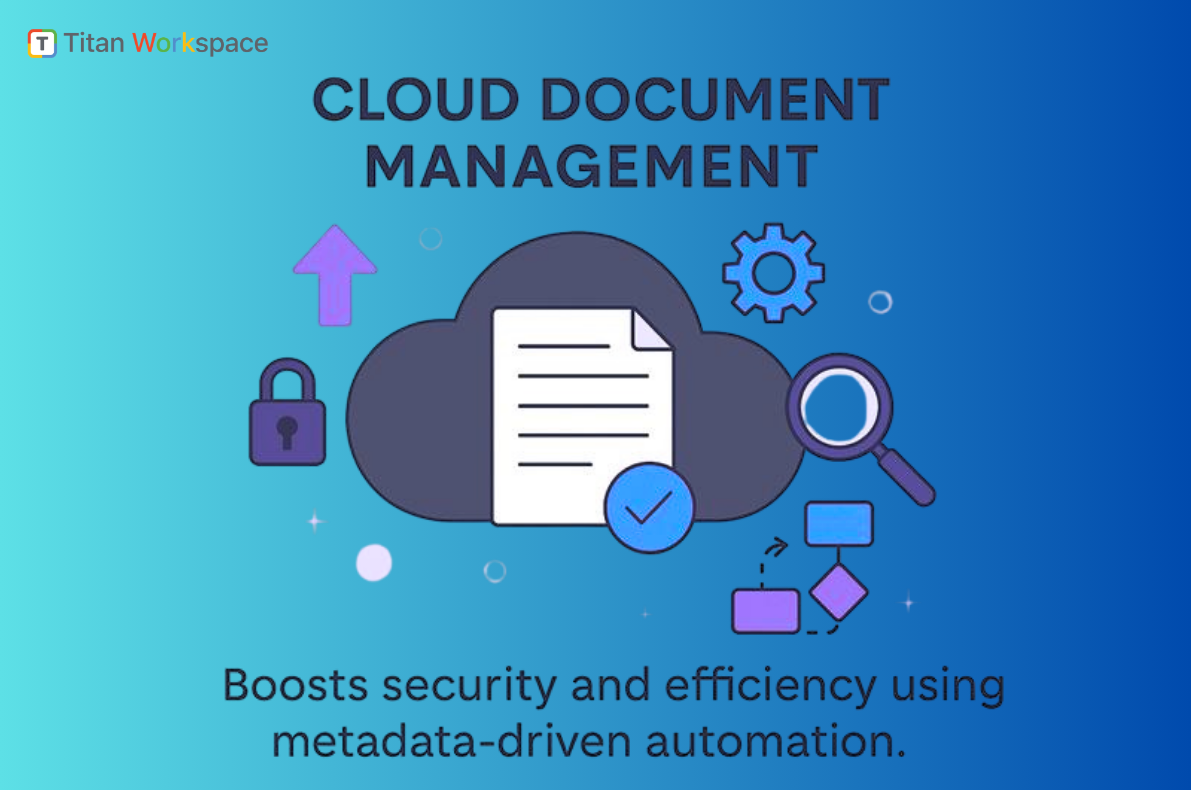
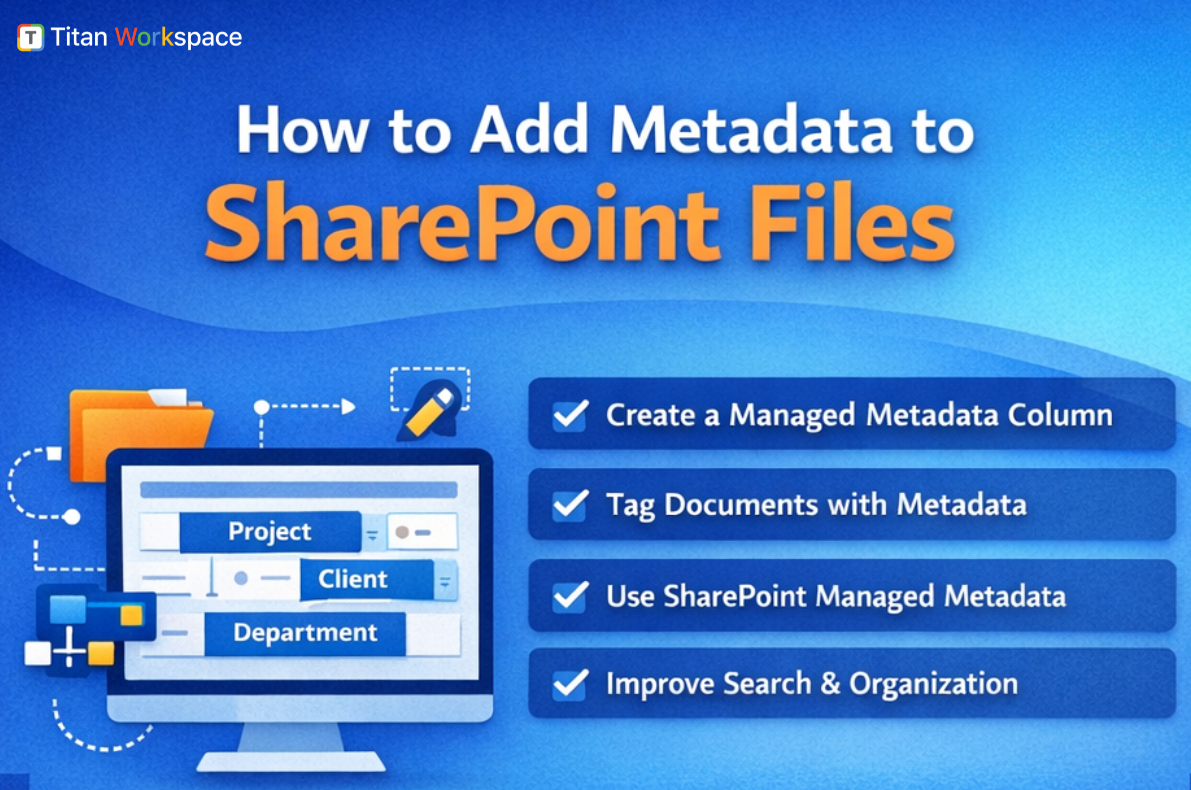
Metadata-driven access is foundational. Documents should be classified by type, status, sensitivity, and business function. AI systems interpret structured metadata far more effectively than flat folders, allowing Copilot to respect business intent rather than raw access.
Equally important is separating draft content from approved content. Draft documents belong in restricted libraries with limited visibility. Approved content should follow controlled publishing workflows and be AI-visible by design. This ensures Copilot surfaces trusted, validated information instead of unfinished or misleading material.
Folder-level governance further reduces AI exposure by avoiding broad, site-wide access. Fine-grained folder rules, role-based visibility, and scoped permissions significantly reduce the AI blast radius. When Copilot operates within governed boundaries, accidental oversharing drops dramatically.
Automated lifecycle management completes the model. Old and obsolete documents should be archived, retired, or explicitly removed from AI scope. Without lifecycle controls, Copilot can easily transform outdated information into authoritative-sounding misinformation.
How Titan Workspace Enables Secure Copilot Adoption
This is where Titan Workspace fits naturally into the Microsoft 365 ecosystem. Titan Workspace does not replace SharePoint permissions. It governs how those permissions function in real business scenarios.
Titan adds structural enforcement, metadata rules, approval workflows, and lifecycle automation—entirely inside Microsoft 365. Copilot continues to work, but only with content that is approved, governed, and contextually correct.
Why CIOs and CISOs Must Act Now
With Copilot enabled, oversharing becomes instant exposure, legacy data becomes misinformation, and drafts become liabilities. Permissions alone cannot manage AI risk at the speed Copilot operates. Governance can.
SharePoint permissions did not fail. They were never designed for AI consumption. Once Copilot is enabled, permissions must be supported by governance, structure matters more than raw access, and lifecycle controls become essential to reducing AI risk.
Organizations that address this now will unlock Copilot safely and confidently.