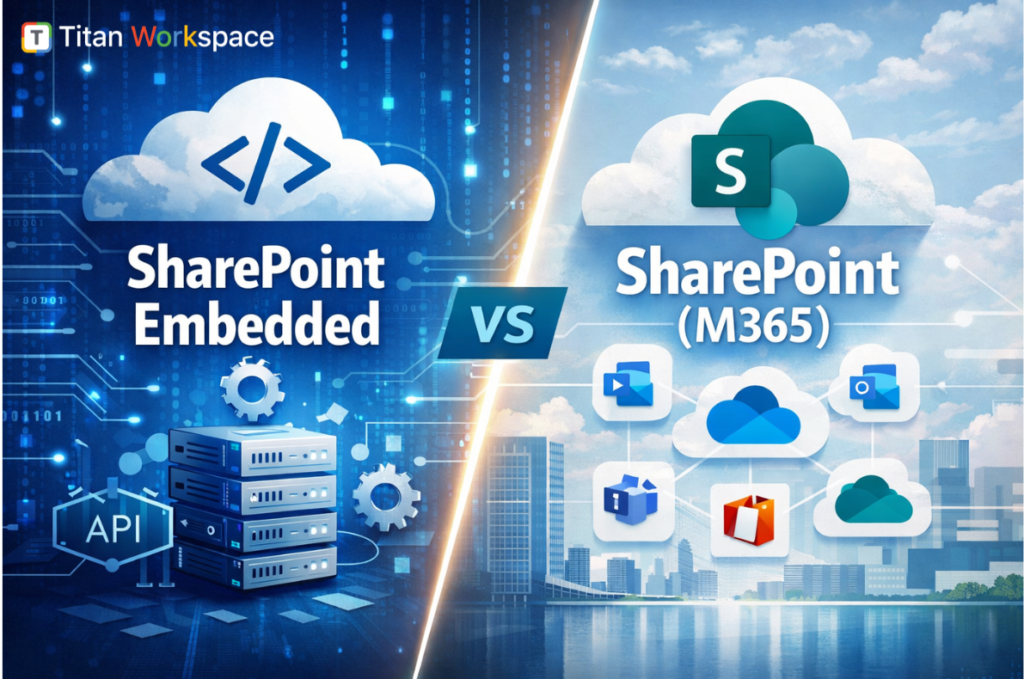
If you’re researching SharePoint Online (in Microsoft 365) versus SharePoint Embedded, you’re likely trying to answer one practical question:
Do I need a full SharePoint collaboration/intranet platform, or do I need SharePoint’s file capabilities inside my own application experience?
They are related but built for different outcomes.
SharePoint Online is the full, user-facing collaboration platform in Microsoft 365: sites, pages, lists, libraries, permissions, sharing, search, and integrations (Teams, OneDrive, Power Platform, etc.). It’s what most people mean when they say “SharePoint.”
SharePoint Embedded is an API-only way to use Microsoft 365’s file/document capabilities inside any app (your own UX), using Microsoft Graph. Content lives in the customer’s Microsoft 365 tenant but is stored in containers created and controlled by the application, not in normal SharePoint sites/libraries users browse in the SharePoint UI.
If you want SharePoint to be the product experience, use SharePoint Online.
If you want SharePoint to be the content engine inside your product, use SharePoint Embedded.
This is often the deciding factor.
SharePoint Online is generally consumed as part of Microsoft 365 licensing (per user). Your storage is tied to tenant entitlements and licensing structure.
SharePoint Embedded is explicitly consumption-based (pay-as-you-go). Microsoft describes it as PAYG and supports billing approaches such as Standard and Passthrough billing models depending on how the app owner wants to allocate costs.
What does this means in practice:
SharePoint search is built into M365 experiences (SharePoint, Office, Microsoft Search), often “just works” for standard sites and libraries.
Microsoft provides guidance for searching SharePoint Embedded content using the Microsoft Search API in Microsoft Graph, including scoping to container types.
Both approaches leverage Microsoft 365 fundamentals, but governance looks different.
You can still enable collaboration features, but you own the experience design such as navigation, roles, workflows, and how users find and work with content. Microsoft positions it as enabling developers to harness M365 file/document storage, collaboration, compliance, and even AI experiences in “any app.”
Example: HR policy hub, company intranet, department collaboration spaces.
Microsoft explicitly frames SharePoint Embedded for enterprises building LOB apps and ISVs building multi-tenant apps.
| Category | SharePoint Online (Microsoft 365) | SharePoint Embedded (PAYG Model) |
| Pricing model | Per-user licensing included in Microsoft 365 plans | Pay-as-you-go (consumption billing via Azure) |
| Cost predictability | High — fixed licensing model | Variable — depends on actual usage |
| Who pays | Organization through Microsoft 365 subscription | App owner (Standard billing) or customer tenant (Passthrough billing) |
| Primary cost driver | Number of licensed users | Storage + API transactions + data egress |
| Storage billing | Included tenant quota tied to licenses | Metered by actual stored data (includes versions + recycle bin) |
| Versioning impact | Minimal licensing impact | Higher versions = higher storage cost |
| API usage impact | Not billed separately | Each app transaction contributes to cost |
| Download / egress cost | No direct egress billing model | Metered outbound data increases spend |
| Best for | Predictable intranet & collaboration workloads | Scalable document apps & ISV platforms |
| Budget control style | License planning | Azure cost monitoring + PAYG governance |
| Cost optimization method | License management | App design optimization (storage, batching, lifecycle) |
| Financial risk | Low — stable subscription | Medium — depends on architecture & usage patterns |
| Ideal buyer mindset | IT operations / internal productivity | Product architects / ISVs / app builders |
Pick SharePoint Online if:
Pick SharePoint Embedded if:
No SharePoint Embedded is positioned as API-only, centered on containers and Graph-based access, not a replacement for the full SharePoint Online site experience.
Not by default. Embedded content is designed to be accessed via your app and Graph-driven experiences (not standard site navigation).
1) Is SharePoint Embedded a replacement for SharePoint Online?
No. SharePoint Online is a full collaboration and intranet platform, while SharePoint Embedded is an API-only way to use Microsoft 365 file/document capabilities inside your own application UX.
2) How is SharePoint Embedded billed?
SharePoint Embedded is billed using a consumption-based pay-as-you-go model. Microsoft documents billing models such as Standard and Passthrough for different commercial approaches.
3) What is a SharePoint Embedded container?
SharePoint Embedded stores files in a Microsoft 365 tenant using a “File Storage Container” created by the application and accessed via Microsoft Graph APIs similar to an API-only document library concept.
4) Can I search SharePoint Embedded content like normal SharePoint sites?
You can search SharePoint Embedded content via the Microsoft Search API in Microsoft Graph, including scoping results by container types.
5) When should an ISV choose SharePoint Embedded instead of SharePoint Online?
When the ISV needs a custom app UX, wants content stored in each customer’s M365 tenant, and prefers an API-first, pay-as-you-go content layer rather than relying on users navigating SharePoint sites directly.
To know more Titan Workspace
Most policy tools ask you to copy your policies out of SharePoint before they can manage them. Here’s…
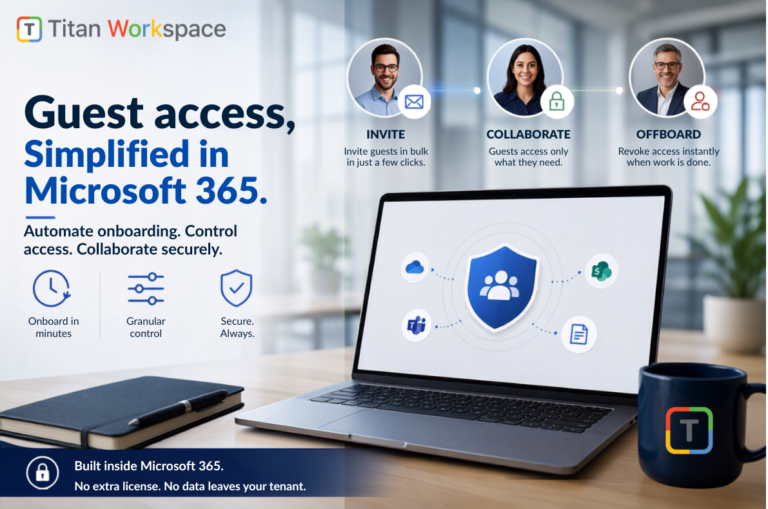
Onboarding 50 external clients used to take close to a week. On Titan Workspace, it takes about 20…
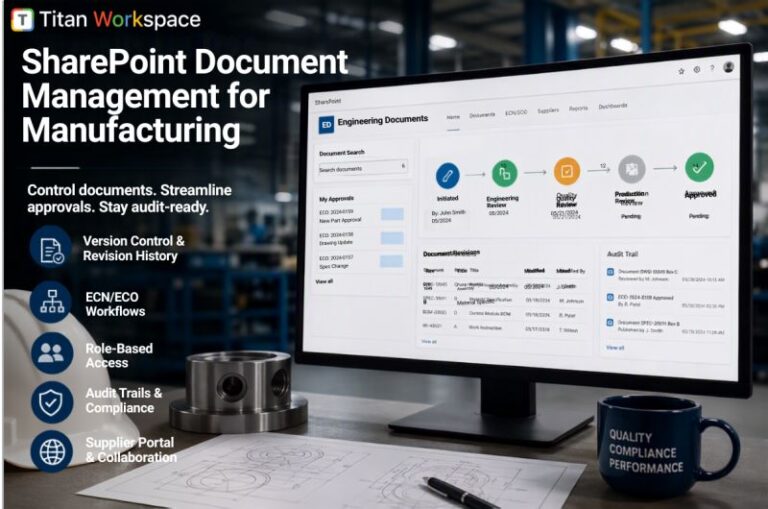
Ask a plant manager or quality lead where their documents actually live, and you rarely get a clean…