Introduction
Every year, thousands of quality managers, compliance officers, and operations leaders ask the same question:
Can we manage ISO audits using SharePoint instead of buying another standalone quality management system?
The answer is yes but not with SharePoint alone. While SharePoint is an excellent platform for storing documents and collaborating across teams, ISO audit management requires much more than document libraries. Organizations need structured audit planning, evidence collection, findings management, corrective actions, auditor collaboration, approvals, dashboards, and complete audit trails.
This guide explains how organizations successfully manage ISO 9001 audits using SharePoint and Microsoft 365, while reducing compliance effort and improving governance.
What Is ISO Audit Management?
ISO audit management is the process of planning, executing, documenting, tracking, and closing internal or external audits while maintaining evidence required for certification and regulatory compliance.
For organizations following ISO 9001 Quality Management Systems, audit management typically includes Audit planning, Audit schedules, Audit checklists, Evidence collection, Nonconformance tracking, Corrective and Preventive Actions (CAPA), Root cause analysis, Management review, Audit reports and Continuous improvement.
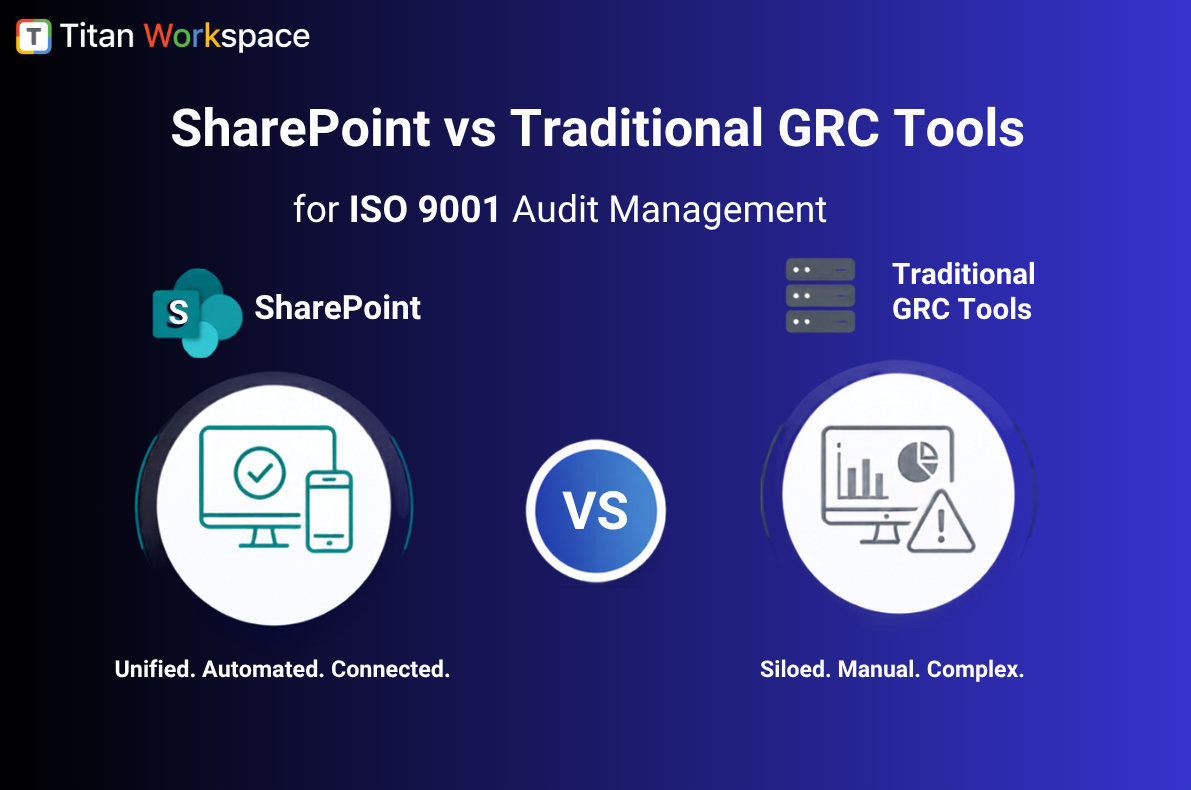
Can SharePoint Manage ISO Audits?
SharePoint provides an excellent foundation but lacks dedicated audit management capabilities. SharePoint can store Audit reports, Checklists, Evidence documents, SOPs and Work instructions.
But organizations still need:
- Audit workflows
- Audit assignments
- Audit status dashboards
- CAPA management
- Evidence tracking
- External auditor collaboration
- Reminder automation
- Executive reporting
This is where an audit management solution built on Microsoft 365 delivers significant value.
Why ISO 9001 Audits Become Difficult
The challenge is rarely the audit itself. The challenge is coordinating hundreds of moving parts.
Quality teams often manage:
- 500+ controlled documents
- Multiple audit schedules
- Hundreds of evidence files
- Supplier records
- Corrective actions
- Review meetings
- Auditor requests
Most of this is still tracked using spreadsheets and email.
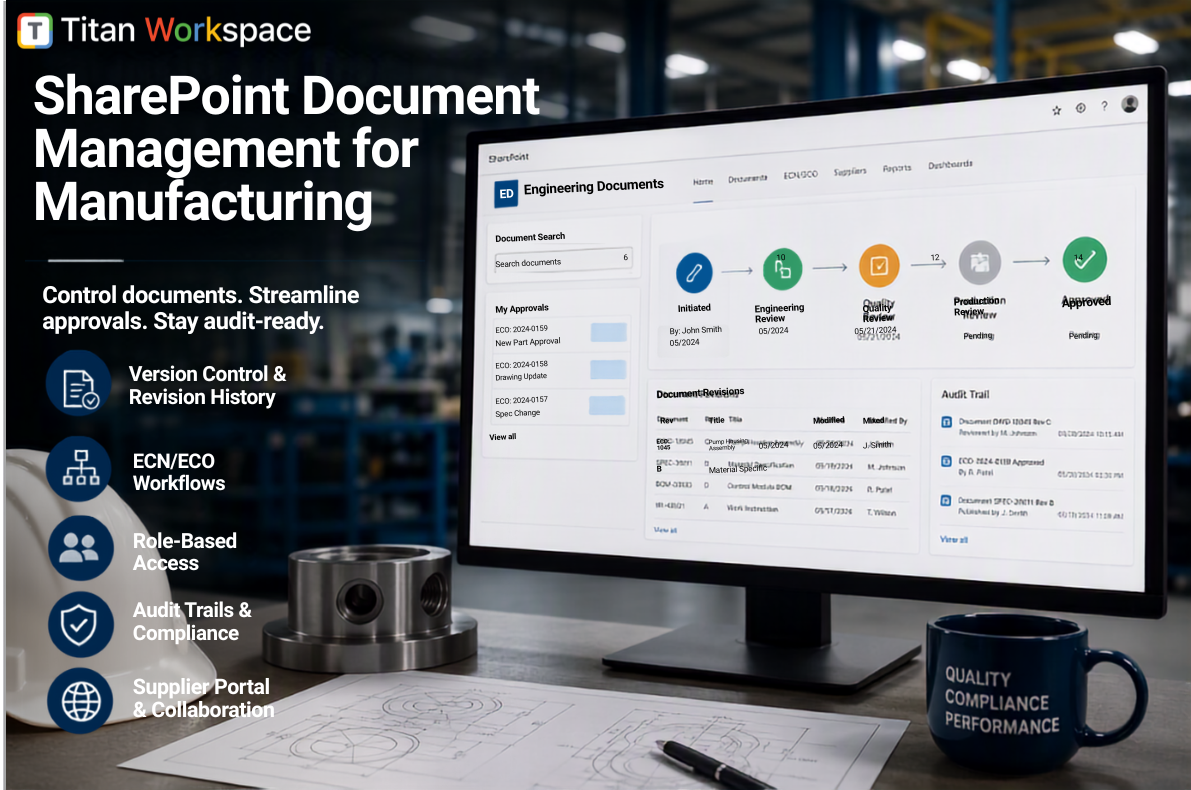
Real Example 1 – Manufacturing
Company
Automotive component manufacturer, ISO 9001 certified and 900 employees
Before
- Audit schedules maintained in Excel
- Evidence stored across SharePoint folders
- Corrective actions tracked by email
- Management reviews assembled manually
Problems
- Missing evidence
- Duplicate audit findings
- Delayed corrective actions
- Last-minute audit preparation
After implementing structured audit management
- Centralized audit planning
- Automated auditor assignments
- Evidence linked directly to audit findings
- Executive dashboards
Business Result: Audit preparation reduced from multiple weeks to a few days while improving visibility across the quality organization.
Real Example 2 – Medical Device Manufacturer
Operating under ISO 9001 and ISO 13485 requirements. The quality team struggled with:
- Internal audits
- Supplier audits
- CAPA tracking
- Evidence retention
Instead of searching through multiple document libraries, every audit contained:
- Assigned auditors
- Evidence
- Findings
- Root cause analysis
- CAPA status
- Approval history
Management gained real-time visibility into organizational compliance.
Real Example 3 – Aerospace Supplier
A Tier 2 aerospace supplier supporting AS9100 and ISO 9001 maintained:
- Manufacturing audits
- Supplier audits
- Process audits
- Internal quality audits
Previously, audit evidence was stored in disconnected folders.
The organization centralized:
- Audit schedules
- Audit findings
- Risk observations
- CAPA actions
- Evidence attachments
Result: Customer audits became significantly easier because evidence could be produced within minutes instead of hours.
What Should an ISO Audit Solution Include?
Audit Planning: Create recurring audit programs., Assign auditors., Define departments., Track schedules.
Audit Checklists: Standardize inspections using reusable templates. Maintain consistency across multiple facilities.
Audit Evidence Management: Attach Photos, Documents, Emails, Certificates, Inspection reports, Supplier records, everything stays linked to the audit.
Findings & Nonconformance Tracking: Track Major findings, Minor findings, Observations, Opportunities for improvement with ownership and due dates.
CAPA Management: Every finding should flow directly into Corrective Action, Root Cause Analysis, Verification, Closure without duplicate data entry.
Executive Dashboards: Leadership should instantly know Open audits, Overdue audits, Pending CAPAs, High-risk departments, Repeat findings, Compliance trends without requesting another spreadsheet.
How Titan Workspace Improves Audit Governance
Unlike traditional SharePoint implementations, Titan Workspace transforms Microsoft 365 into a governance platform. Quality teams can manage:
- Internal audits
- Supplier audits
- ISO 9001 audit programs
- Evidence repositories
- Corrective actions
- Audit workflows
- Audit dashboards
- External auditor collaboration
while keeping all data inside their Microsoft 365 tenant.
Why Organizations See Faster ROI
Most organizations already own Microsoft 365, SharePoint, Teams, Outlook, Entra ID and in some cases Copilot. Instead of purchasing another disconnected compliance platform, Titan Workspace extends existing Microsoft investments.
Benefits include:
- No duplicate document repositories
- Minimal user training
- Faster implementation
- Lower licensing costs
- Reduced custom development
- Improved adoption
How do I manage ISO 9001 audits in SharePoint?
Use SharePoint as the document repository while adding structured workflows, audit tracking, evidence management, CAPA processes, and dashboards to create a complete audit management solution.
Can SharePoint replace ISO audit software?
SharePoint provides document management but does not provide complete audit lifecycle management without additional governance and workflow capabilities.
What is the best way to track ISO audit findings?
Centralize findings, owners, corrective actions, evidence, due dates, and approvals in one audit management platform with executive dashboards.
How do I prepare for an ISO 9001 audit?
Maintain continuous audit readiness by:
- Standardizing audit processes
- Automating evidence collection
- Tracking CAPAs
- Maintaining audit trails
- Centralizing audit documentation
- Monitoring compliance dashboards
What documents are required during an ISO 9001 audit?
Typical evidence includes:
- Audit plans
- Audit reports
- Process documentation
- Quality records
- CAPA records
- Training records
- Supplier evaluations
- Management review records
- Risk assessments
- Nonconformance reports
How can Microsoft 365 improve ISO compliance?
Microsoft 365 provides a secure collaboration platform while SharePoint stores audit evidence. Adding audit workflows, dashboards, approvals, CAPA tracking, and governance capabilities enables organizations to build a modern ISO audit management system.
Final Thoughts
The most successful organizations don’t treat ISO 9001 audits as annual events.
They build continuous audit readiness into everyday operations.
By combining SharePoint, Microsoft 365, and a purpose-built audit management layer, organizations can simplify audit execution, strengthen governance, reduce compliance risk, and deliver measurable ROI without introducing another disconnected system.